
Complete Directory of Kanban Software Tools (2026-2027 Rankings)
Kanban software looks simple from the outside. Cards, columns, drag-and-drop, done. The real difference shows up later, when a board has to survive messy priorities, executive visibility requests, cross-team dependencies, automation needs, permission controls, reporting pressure, and the daily habit of people actually using it.
That is where weak tools start feeling expensive. Boards become cluttered, WIP discipline breaks, stakeholders ask for reports the tool cannot surface cleanly, and the team starts stitching together workarounds in spreadsheets, chats, and side documents. This directory ranks the strongest Kanban tools for 2026–2027, explains where each one fits best, and shows what project managers should care about before committing.
1. Why Kanban Software Choice Matters More Than Most Teams Expect
A Kanban board is not just a visual to-do list. In a real project environment, it becomes a control surface for flow, ownership, prioritization, blockers, and execution rhythm. The moment a team tries to scale beyond a handful of simple tasks, the tool starts influencing how clearly work is defined, how easily bottlenecks are spotted, and how fast managers can separate real progress from cosmetic movement. That is why Kanban tool choice belongs in the same strategic conversation as project scheduling terms, project communication terms, project issue tracking software, and project reporting and analytics software.
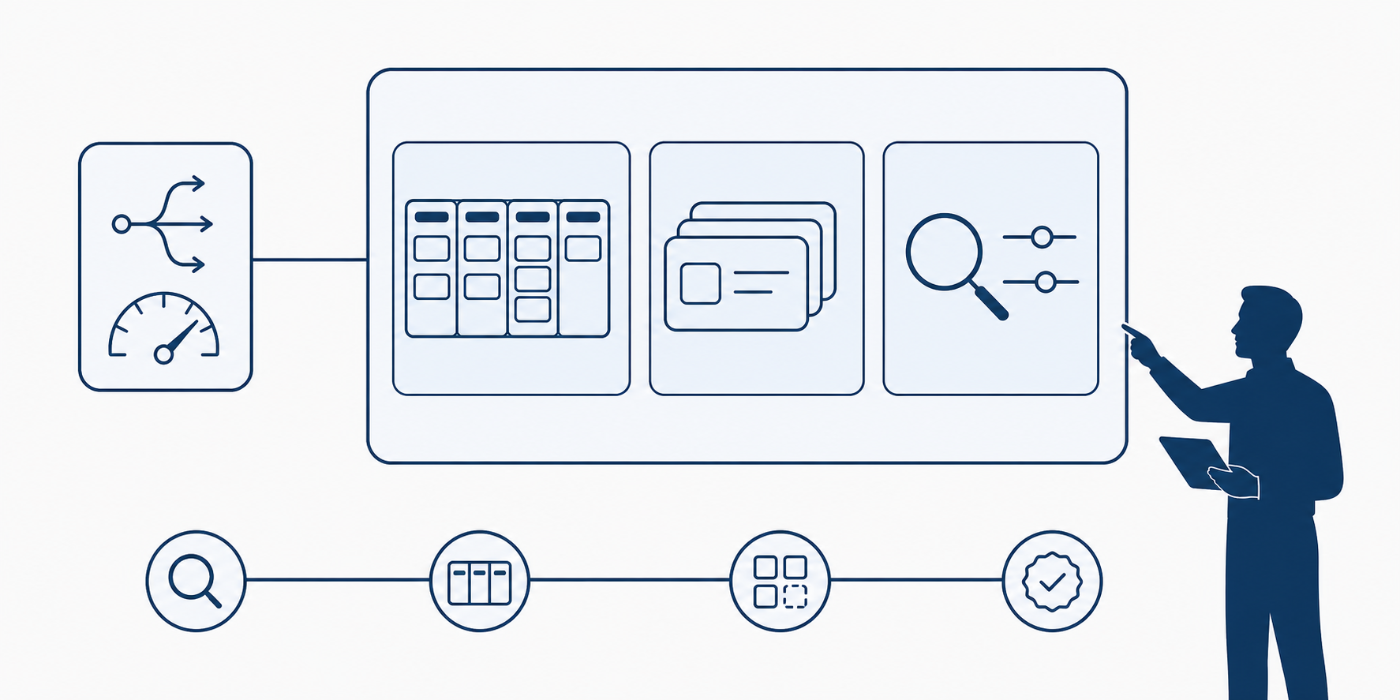
The strongest Kanban tools do more than let you drag a card from “In Progress” to “Done.” They support custom workflows, filters, task detail, automation, reporting, collaboration, integrations, and multiple views around the same work. Jira emphasizes configurable Kanban boards and work-item flow, ClickUp layers board view into a broader all-in-one work platform, monday.com positions Kanban inside its work-management system, and Wrike pairs boards with reporting and workflow customization. Those differences matter because the wrong fit usually produces friction that users blame on “process” when the platform is part of the real problem.
Kanban tools also vary sharply in who they are really built for. Trello stays attractive because it is easy to start and flexible for lighter workflows. Microsoft Planner fits naturally for organizations already deep in Microsoft 365. Asana balances board-style execution with broader project coordination. Notion is flexible and content-friendly, but it behaves differently from a purpose-built project operations platform. Those distinctions become especially important for PMs choosing tools for small businesses, mobile-first teams, knowledge-heavy environments, and resource-constrained teams.
Another reason this category matters is that Kanban boards often become the first system people trust more than the official project plan. When that happens, the board is no longer “just a team tool.” It starts shaping stakeholder expectations, escalation timing, and reporting credibility. A weak Kanban setup can quietly damage project governance, budget visibility, quality management, and stakeholder alignment long before anyone calls it a tooling issue.
2. Editorial Ranking: The Best Kanban Software Tools for 2026–2027
#1 Jira earns the top spot because it is the strongest pure Kanban-first choice for teams that care about configurable workflows, visible work-item flow, and scalability into broader delivery control. Atlassian’s Kanban pages emphasize configurable boards, work items as cards, and continuous delivery support, while Jira pricing continues to include a free tier and paid plans above it. For PMs running serious agile or delivery-heavy environments, Jira still has the most defensible claim on this category. It also fits naturally with critical path terms, risk management terms, project methodology adoption, and state of agile project management.
#2 ClickUp ranks second because it gives teams a capable Kanban board without forcing them into a Kanban-only box. Its official feature and pricing pages highlight board view, custom columns, WIP limits, free-plan access to boards, docs, chat, dashboards, and broader work-management tooling. That makes it especially strong for PMs who want one environment for execution, reporting, and collaboration rather than a narrow board-only product. The tradeoff is that ClickUp rewards disciplined setup and can feel heavy if a team only needs a clean simple board. It is a strong fit for project knowledge management, automation tools, productivity software, and document management software.
#3 monday.com stays high because it blends Kanban simplicity with strong work-management breadth. Its Kanban solution page emphasizes planning workflows, centralized communication, notifications, and templates, while its pricing pages show free and paid tiers that rise as teams expand. monday.com is not the deepest pure Kanban engine here, but it is excellent for operational teams that want boards to sit inside a more visual, cross-functional workspace. That makes it attractive for project teams, small business PM software, project reporting tools, and dashboard and visualization tools.
#4 Asana belongs near the top because its board view sits inside a mature coordination platform rather than a lightweight card app. Asana’s pricing and product pages position it as a scalable work-management environment, with board view, paid tiers, enterprise options, and AI-related features layered on top. Its strength is not “best raw Kanban mechanics.” Its strength is combining boards with broader planning, approvals, coordination, and cross-functional visibility. For PMs balancing structured delivery with visual task flow, that is valuable. It aligns well with project reporting best practices, stakeholder management, communication techniques, and resource allocation thinking.
#5 Trello remains one of the strongest simple Kanban tools because it keeps the barrier to entry low. Trello’s product and pricing pages still lean hard into board simplicity, templates, and a free plan, which is exactly why so many teams still start there. Trello loses ground only when workflows get more complex and reporting, permissions, or portfolio-level control starts mattering more. For lighter teams and fast pilots, though, it is still a very smart choice. It works especially well for entry-level PM workflows, mobile PM usage, lightweight project coordination, and knowledge-sharing environments.
#6 Microsoft Planner, #7 Wrike, and #8 Notion round out the top group for very different reasons. Planner earns its place because Microsoft highlights board view, templates, reports, dependencies, and broader Microsoft 365 integration; it becomes especially logical in organizations already standardized on Microsoft workflows. Wrike earns a slot because its official pages pair board view with intelligent project management, dashboards, workflow customization, and AI features, making it stronger than many teams realize for more mature PM operations. Notion makes the list because its Kanban board use case page shows how well boards can live beside docs, subpages, and knowledge systems, which is powerful for teams whose work is as much about process context as task flow. These tools pair naturally with PMO-style reporting, project governance, document management, and project knowledge systems.
3. How to Choose the Right Kanban Tool for Your Team
Start with workflow depth, not brand familiarity. If your team needs strict statuses, strong flow visibility, serious issue tracking, and agile execution discipline, Jira usually has the strongest logic. If your team wants a broader operating system with boards, docs, dashboards, chat, and multiple work views in one place, ClickUp becomes much more attractive. Those are different buying motions, and confusing them leads to expensive mismatch. This choice should sit beside project issue tracking, project reporting, knowledge management, and project communication design.
Then look at environment fit. Microsoft Planner makes more sense inside a Microsoft-heavy organization than it does in a neutral stack. Notion becomes more appealing when documentation and workflow must live together. monday.com and Asana are often easier sells for mixed business teams than for deeply technical delivery environments. Trello becomes compelling when adoption speed matters more than advanced reporting depth. Buying without this context is how teams end up forcing the wrong process around the wrong product. That decision also overlaps with project management software for small businesses, PM software for software development, project mobile collaboration, and project management market trends.
Pricing should be checked after fit, not before it. Trello, Jira, ClickUp, and Asana all advertise free entry points; monday.com, Wrike, Planner, and paid tiers across the field can rise quickly depending on seats and advanced features. A cheap mismatch is still expensive once migration pain, user frustration, or reporting gaps appear. The better buying question is whether the tool supports the real workflow, reporting needs, and growth pressure the team will face six months from now. That is where PMs should think like they do when evaluating budget tracking tools, procurement tools, contract management tools, and dashboard software.
The best Kanban tool usually wins on fit, not on demo beauty.
4. Best Practices for Rolling Out Kanban Software Without Creating Tool Chaos
The first rule is to pilot with real work, not fake demo tasks. A beautiful Kanban board during a vendor walkthrough proves almost nothing. The tool has to survive your real statuses, your real blockers, your real approval delays, your real reporting needs, and your team’s actual update discipline. A small live pilot exposes more truth than ten polished demos. That rollout logic aligns directly with project initiation, project reporting best practices, stakeholder terms, and project quality management.
The second rule is to keep the board honest. Teams often overload columns, avoid blocker visibility, or use the board as a presentation layer rather than an operational truth layer. That is how Kanban turns into decoration. Good rollout means limiting statuses, clarifying card ownership, defining what “done” means, and deciding which reports will actually be read. Tools with dashboards and multiple views can help, but they also make it easier to hide confusion under extra features. That is why rollout discipline matters as much as product choice. It supports cleaner use of project dashboards, project issue tracking, project communication, and project productivity systems.
The third rule is to design around reporting needs early. If sponsors need trends, if PMOs need portfolio visibility, or if operations leaders need exception reporting, the board alone is not enough. The tool must either provide that visibility natively or integrate into a reporting setup the team will actually maintain. This is where many teams realize too late that their “easy” board tool has become a visibility bottleneck. Thinking ahead here protects project reporting, dashboard strategy, knowledge management, and future PMO tooling decisions.

5. Common Mistakes Teams Make When Buying Kanban Tools
The first mistake is treating all Kanban software as functionally identical. They are not. A lightweight visual board and a scalable project-delivery platform can both show cards in columns while being radically different purchases underneath. Ignoring that difference usually creates adoption pain later. This mistake is common in teams that underinvest in procurement thinking, contract discipline, project governance, and project success factors.
The second mistake is overbuying for a team that lacks process maturity. Powerful tools do not automatically create disciplined flow. Sometimes a simpler product with cleaner habits produces better results than a feature-rich platform nobody configures or maintains well. Trello’s continued relevance is partly explained by this truth, while more capable tools like ClickUp, Jira, and Wrike need stronger setup ownership to deliver their full value. That is why buyers should think about team behavior as seriously as feature lists.
The third mistake is buying for the pilot instead of the scale phase. A tool may feel perfect with one team and become painful once leadership wants reporting, permissions, automations, portfolio rollups, or cross-functional coordination. That is why the smartest evaluation question is not “Can we use this board next week?” but “Will this still work when stakeholders start asking more from it?” PMs who ignore that usually end up re-platforming under pressure. This is the same strategic thinking used in portfolio management trends, future PM software trends, AI and automation adoption, and project failure analysis.
6. FAQs About Kanban Software Tools
-
For teams that care most about serious Kanban execution and workflow control, Jira is the strongest overall choice in this ranking. It offers configurable boards, work-item tracking, and a strong agile delivery fit. Teams wanting a broader all-in-one work platform may prefer ClickUp instead.
-
Trello is still one of the easiest places to start because its board model is intuitive and its free tier keeps the barrier low. It is usually the fastest option for lightweight adoption and simple workflows.
-
Microsoft Planner is the cleanest fit for organizations already standardized on Microsoft 365, especially when Teams and broader Microsoft workflow integration matter as much as the board itself.
-
Notion and ClickUp are both strong here, but they serve that need differently. Notion is especially useful when boards must live beside internal documentation and process content, while ClickUp is broader as a work-management platform.
-
Free plans can be good enough for pilots, lighter teams, and early workflow testing. Jira, Trello, ClickUp, and Asana all present free entry points, but serious reporting, scale, permissions, and advanced controls often push teams into paid plans later.
